ATS-Friendly Resume: How to Pass Applicant Tracking Systems
An ATS-friendly resume is a resume formatted so applicant tracking software can read, rank, and store it correctly: standard section headings, job-title keywords copied from the posting, a single-column layout, no tables or graphics, and a PDF or DOCX file the system accepts.
What Is an Applicant Tracking System (ATS)?
An Applicant Tracking System (ATS) is software that employers use to collect, organize, and filter job applications. The system scans resumes for relevant keywords, qualifications, work experience, and skills before ranking candidates based on how well they match the job description.
An ATS doesn’t replace recruiters, but it helps them manage large numbers of applications more efficiently. If your resume isn’t formatted correctly, it may be overlooked before a recruiter ever sees it.
Why an ATS-Friendly Resume Matters
Large companies often receive hundreds of applications for a single position. ATS software helps recruiters organize these applications and identify qualified candidates faster.
Creating an ATS-friendly resume can:
- Improve your chances of passing the initial screening.
- Increase your visibility to recruiters.
- Ensure your qualifications are correctly identified.
- Save your resume from being rejected due to formatting issues.
Optimizing your resume for ATS is an important part of a successful job search.
Use a Simple Resume Format
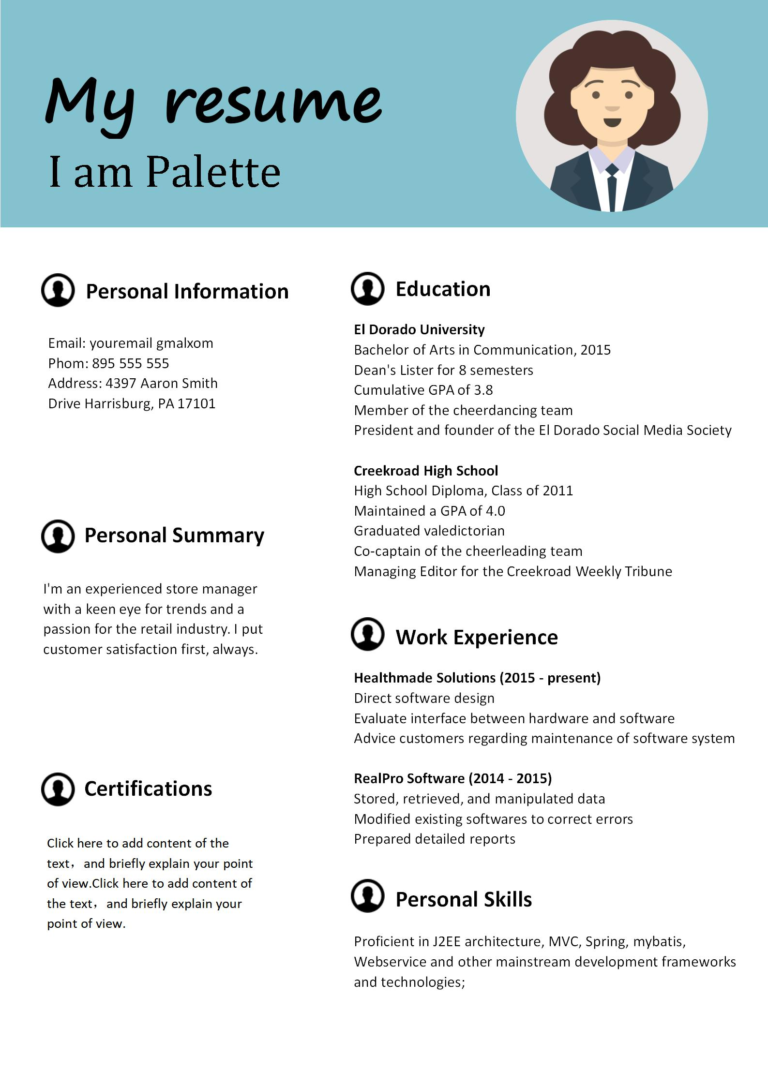
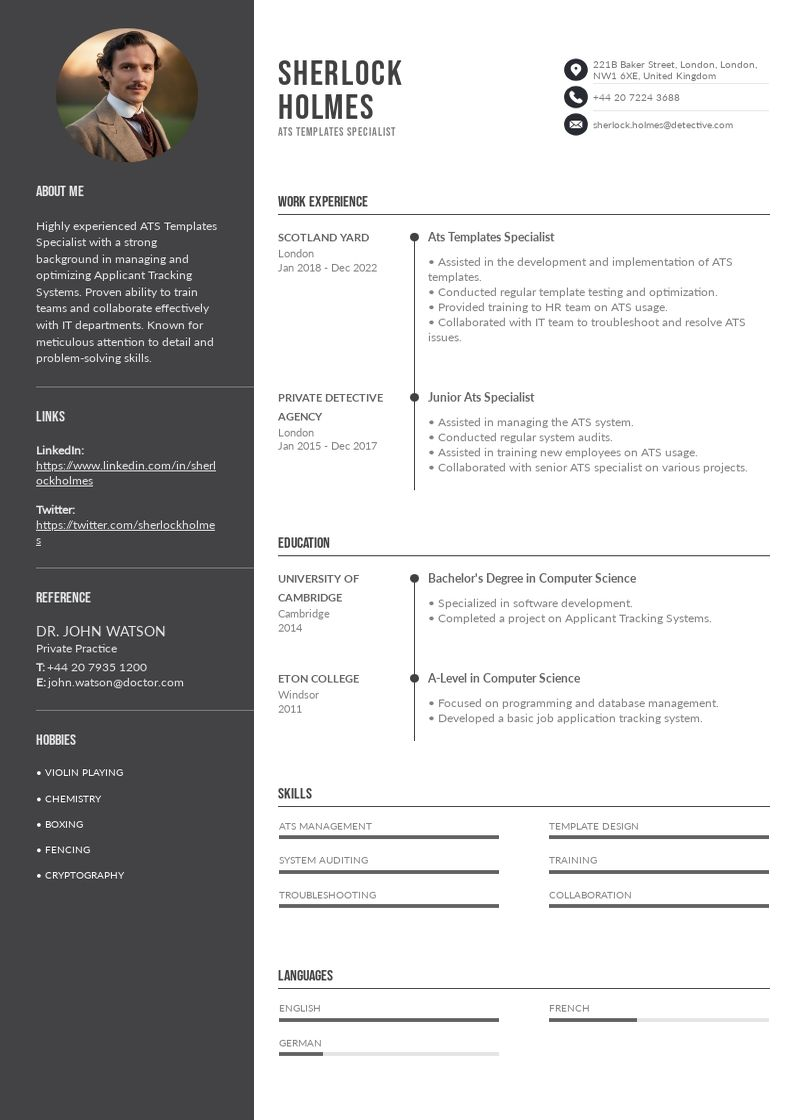
Complex designs may look attractive, but they can confuse ATS software.
For better compatibility:
- Use a clean, professional layout.
- Choose standard fonts such as Arial, Calibri, or Times New Roman.
- Organize sections with clear headings.
- Use bullet points instead of long paragraphs.
- Avoid text boxes, tables, graphics, icons, and multiple columns.
A simple design makes your resume easier for both ATS software and recruiters to read. Our comparison of the best resume formats shows which layouts parse most reliably.
Include Relevant Keywords
Keywords are one of the most important factors in ATS screening.
Read the job description carefully and identify frequently used words related to:
- Skills
- Qualifications
- Software
- Certifications
- Job titles
- Responsibilities
Include these keywords naturally throughout your resume, especially in your professional summary, work experience, and skills sections, while ensuring your qualifications are truthful and accurate.
Use Standard Resume Headings
ATS software recognizes common section titles more accurately.
Use headings such as:
- Contact Information
- Professional Summary
- Work Experience
- Education
- Skills
- Certifications
- Projects
Avoid creative titles like “My Journey” or “Career Highlights,” as some ATS programs may not recognize them correctly.
Optimize Your Resume Summary and Skills Sections
Your professional summary should briefly highlight your experience, most relevant skills, and the type of role you’re targeting. Including keywords from the job description in this section can strengthen your ATS ranking.
Your skills section should feature technical abilities, software knowledge, and other qualifications mentioned in the job posting.
Highlight Achievements with Action Verbs
Employers want to see measurable accomplishments, not just job responsibilities.
Instead of writing:
- Responsible for customer support.
Write:
- Resolved more than 50 customer inquiries daily while maintaining a 95% customer satisfaction rating.
Using action verbs such as managed, developed, improved, created, and increased makes your experience sound stronger and more results-focused.
Save Your Resume in the Right Format
Unless the employer requests otherwise, submit your resume as a PDF or Microsoft Word document. These formats are widely supported by ATS platforms and help preserve your formatting.
Always follow the application instructions provided in the job posting.
Proofread Carefully
Even a well-formatted resume can lose credibility if it contains spelling or grammar mistakes.
Before submitting:
- Check for spelling errors.
- Review grammar and punctuation.
- Verify dates and job titles.
- Ensure formatting is consistent.
- Test your resume by viewing it on different devices.
A polished resume reflects professionalism and attention to detail.
Common ATS Resume Mistakes
Avoid these common errors:
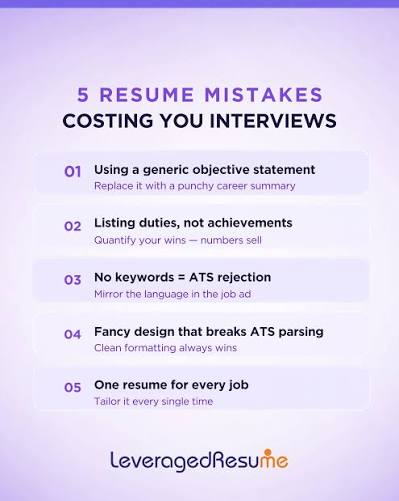
- Using graphics, logos, or images.
- Adding important information inside text boxes.
- Using uncommon fonts or decorative formatting.
- Ignoring keywords from the job description.
- Submitting an outdated resume.
- Including unnecessary personal information.
Keeping your resume simple and relevant improves its chances of passing ATS screening. Several of the most damaging keyword and formatting errors are covered in our list of resume mistakes to avoid.
Conclusion
Creating an ATS-friendly resume is essential in today’s competitive job market. By using a clean format, including relevant keywords, organizing your information with standard headings, and proofreading carefully, you can improve your chances of passing ATS screening and reaching human recruiters.
Remember that your resume should satisfy both technology and human recruiters. A clear, well-optimized resume not only helps you pass applicant tracking systems but also makes a strong impression when it reaches the hiring team. Once your file passes the scan, use our guide on how to write a professional resume to strengthen what the recruiter reads next.
Frequently Asked Questions
What is an applicant tracking system?
It is software employers use to collect, store, and filter applications. The system extracts your headings, job titles, skills, and dates, then ranks your resume against the job description, so recruiters can review the closest matches first.
How can I check if my resume is ATS-friendly?
Copy your resume into a plain-text editor. If the reading order breaks, sections merge, or characters turn to symbols, an ATS will struggle the same way. Also confirm your headings are standard, your file type is accepted, and key phrases from the posting appear.
Should I use a designed resume template?
Only a simple one. Single-column templates with standard fonts and clear headings are fine, but designs built on tables, text boxes, icons, skill bars, or multiple columns often parse badly. When in doubt, choose the plainer version for online applications.
Do I need to copy the job description’s keywords exactly?
Mirror the exact job titles, skills, and tools the posting uses, but only where they are truthfully yours. Keyword stuffing, hidden white text, and copied requirement lists are easy for recruiters to spot and can get an application rejected.